How to Remove Photo Background for Government Job Forms
You got your photo clicked at home. Clear face. Good light. Shirt ironed. But the background is your bedroom wall — cream coloured, with the edge of your wardrobe visible. The SSC portal needs a white background. The DV officer for CISF needs a white background. What now?
You have two options: retake the photo in front of something white, or remove the background digitally and replace it with pure white. The second option takes under 60 seconds. This guide shows you exactly how, explains why portals are strict about this, and covers what AI removal gets wrong (so you can fix it before uploading).
👉 Free Background Remover Tool — No Watermark, No Signup — remove background and fill pure white in one step — JPG output ready for portal upload
Why Government Forms Require White Background
There are two practical reasons — and neither is arbitrary.
Physical verification at DV stage. Thousands of original application printouts are physically reviewed by verification officers. Non-white backgrounds stand out immediately when printed — a cream wall, blue curtain, or yellow light creates a visible colour cast on the printed form. White backgrounds print clean. Any deviation is noticed instantly by officers who review hundreds of forms per day.
Biometric and facial recognition systems. Most central government recruitment processes now include biometric enrollment at the final joining stage. Facial detection algorithms used in these systems work most accurately against uniform white or near-white backgrounds — consistent background colour improves face boundary detection. This is why UPSC, SSC, and defence portals specifically ask for white, not "light coloured."
A non-standard background that gets past the online form might still flag during document processing or biometric enrollment later. White is the only safe choice.
Which Portals Are Strict About White Background
| Portal / Exam | Background Requirement | Where It Gets Checked | Strictness |
|---|---|---|---|
| SSC (CGL/CHSL/MTS/GD/OTR) | White | Online form + DV stage + biometric | High |
| UPSC CSE | White or off-white | DAF stage + interview call | High |
| Railway RRB (NTPC/Group D) | White | Document Verification | High |
| Police / CISF / BSF / CRPF | White — mandatory | Physical DV — very thorough | Very High |
| IBPS PO / Clerk / SBI PO | White — preferred | Online form portal check | Medium |
| State PSCs (UPPSC/BPSC/MPPSC) | White | DV stage | High |
| NDA / CDS / AFCAT | White | Service Selection Board DV | Very High |
Defence and police DV processes are the strictest. Officers conducting CISF/BSF document verification are trained to spot non-compliant photos immediately — and "background not white" is in the top 5 DV rejection reasons across these exams. This can cost you a selection after clearing written tests and physical fitness rounds.
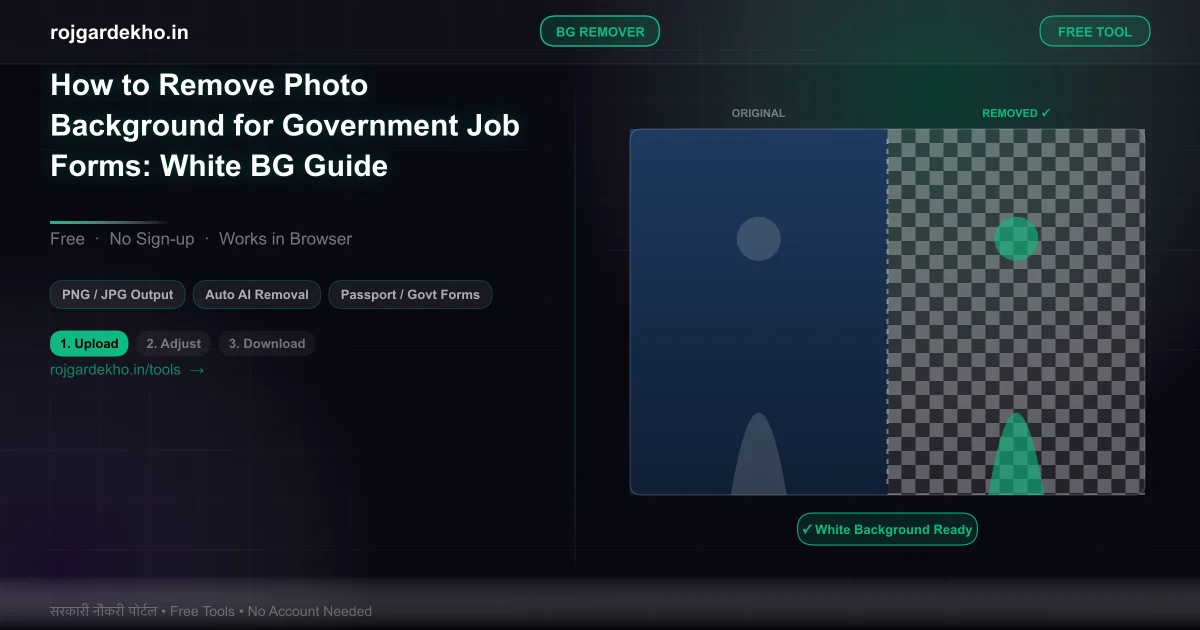
How to Remove Background in 3 Steps (Free, No Watermark)
These steps use the free tool at rojgardekho.in/tools/background-remover. No account creation. No watermark on the output. JPG file ready for portal upload.
Step 1: Upload your photo. Click "Upload Photo" and select the photo from your phone or computer. JPG, PNG, WebP accepted. The AI background removal engine processes the image and separates the subject (you) from the background.
Step 2: Check the hair outline and edges. After removal, examine the edges — particularly around your hair and ears. AI performs well on smooth hairlines but sometimes leaves artefacts around wavy hair or earrings. The tool shows a transparent background at this stage so edge problems are easy to spot. Use the touch-up brush if any edge needs cleaning.
Step 3: Fill white background and download. Click "Set Background → White" to fill the background with pure RGB(255,255,255) white. Then click "Download as JPG." The output is a clean JPEG with solid white background — no transparency, no watermark, ready to upload to any government portal.
👉 Also Need to Resize? Photo Resizer — SSC, UPSC, IBPS Size Guide — after removing background, resize to exact portal dimensions in one more step
What No Other Site Tells You
Non-white background is a top-5 DV rejection reason for defence and police exams. Document verification failure for "photo background not white" is not a technicality — it results in disqualification from the final selection list. Candidates who cleared the written exam, passed the physical fitness test, and passed the medical are sent home at DV for photo issues. This happens every cycle.
AI removal struggles with wavy hair, glasses, and loose strands. Hair that falls across the face, curly/wavy hair at the edges, glasses frames with light reflections, and dangling earrings are all areas where AI background removal can leave residue from the original background. After removal, zoom in on these areas before filling white. A speck of cream wall at your hairline looks fine on screen but very wrong on a printed form.
White and off-white are not the same. Pure white is RGB(255,255,255) — the maximum brightness value on all three colour channels. A "cream" colour might be RGB(255,253,208). A "light grey" might be RGB(220,220,220). When portals run automated background colour checks, they check against a pure white threshold. Light grey or off-white fails these checks in some portals (notably some state PSC portals that use automated image validation). Always fill with the pure white option — not "near white."
Photo studios use off-white, not white. The classic "studio backdrop" looks white to the eye in person and even in the printed photo. But digitally scanned, most studio backgrounds register as light grey (around RGB(235,235,235)) because the backdrop fabric absorbs some light. If you scan a studio photo and try to upload it, this grey background is exactly what can trigger automated rejection. Check the digital file, not how it looks in print.
Save output as JPEG, not PNG. After background removal, some tools default to PNG (to preserve transparency). Government portals typically only accept JPEG. Always download as JPG — the tool on this site does this by default.
When AI Removal Fails — What to Do
AI background removal works well for 80–90% of photos. The failure cases are predictable: very curly or voluminous hair, backgrounds with a colour similar to your clothing, photos in low light where edges aren't sharp.
If the AI output has visible problems that can't be fixed with the touch-up brush, you have two better options:
Option 1: Take a new photo in front of a white surface. A white wall, a white bedsheet held taut, or a large white chart paper. Natural daylight from a window (not direct sunlight) gives even lighting that eliminates shadows on the background. This gives a clean removal or even avoids the need for removal entirely.
Option 2: Visit a photo studio and specify "govt form photo, digital file, white background." Most city studios can do this in 10 minutes for ₹30–₹80. Ask specifically for the digital file on a USB or WhatsApp — ensure they share it at full resolution, not compressed.
Frequently Asked Questions
Q: Is white background mandatory or just recommended?
For SSC, UPSC, Railway, and all defence/police exams — white background is mandatory, stated explicitly in the notification. For IBPS and SBI, it is strongly recommended but not always strictly enforced at the online submission stage. However, any non-white background can cause problems at DV for any exam. Don't take the chance — white is the only safe choice across the board.
Q: Can I use a light blue background for police forms?
No. Police, CISF, BSF, CRPF, and all paramilitary exam notifications explicitly state white background. Light blue is not acceptable and will be caught at DV. Some candidates confuse this with passport photos used for Indian visa applications (which sometimes use light blue) — govt job forms have a different requirement.
Q: My photo background is light grey — will it be accepted?
Light grey may pass at some portals but is rejected at others. It will almost certainly be flagged during physical document verification for defence and police exams, where officers compare the original uploaded photo with the printed form. Do not rely on light grey — fill it with pure white.
Q: AI removed background but left a grey outline around my face. How to fix?
This "halo" effect happens when the AI preserves background pixels at the boundary. Use the touch-up eraser brush in the tool to paint over the grey outline, then fill white. Work at 2× zoom to see fine edge details. If the halo is extensive, taking a fresh photo with a genuinely white background is faster than manual touch-up.
Q: Can I use a white bedsheet as background for the original photo instead?
Yes — this is the best approach. A white bedsheet pinned flat to a wall (no wrinkles, which cause shadows) in natural daylight gives a clean white background that needs no digital editing. Ensure the sheet is matte (not shiny) to avoid light reflections that create an uneven background tone.
Q: Does UPSC specifically require pure white background?
UPSC's notification says "white or off-white" background. This is one of the more lenient specifications — a slightly warm white (cream-tinted) is technically acceptable for UPSC. However, for the DAF stage, verification at the interview venue is strict. Pure white is the safer choice regardless of what the notification permits.
👉 Remove Background Now — Free, No Signup, No Watermark — upload, remove background, fill white, download JPG — under 60 seconds